Everyone on the same register, seeing their own part of it
Temporary works go wrong in the handoffs between people, not usually inside one person's job. TempTag puts every role on one record and scopes what each of them sees, so the coordinator's view and the scaffolder's view are the same facts.
What each of them is holding when it goes wrong
Everyone below works off the same register and needs a different slice of it. Find your job, and read what you are carrying today against what the platform carries for you instead.
Temporary works coordinator
You are the person BS 5975 puts the procedural control on. Every brief, every category decision, every check and every permit is yours to be able to evidence.
What TempTag does about it
- The register is one screen: what exists, what state it is in, what is overdue and what is waiting on you.
- Briefs arrive for review with the category and the check requirement already set by the rules you configured.
- Permits cannot be issued by someone you have not appointed to issue them.
- The audit trail is built as the work happens, so an audit is a filter rather than a fortnight.
Temporary works supervisor
You are on the section, checking that what was designed is what got built, and that nothing is loaded before it should be.
What TempTag does about it
- The app opens on what is due on your section today, and what is overdue.
- Scan the tag on the item to inspect it. No hunting for the right row on a list.
- A failed check flips the item to do-not-use everywhere, immediately, without you telling anyone.
- Works offline and syncs later, because the places temporary works go do not have signal.
Temporary works designer
You need a brief that actually says what is required, and a record that your design was checked and accepted before it was used.
What TempTag does about it
- Briefs arrive complete, on the project, with the loading and constraints attached.
- The independent check and its acceptance are recorded against your design, not in an email thread.
- The Standard solutions register carries the company-wide standards so repeat work is not redrawn.
- What was issued, and to whom, is on the record if it is ever questioned.
Scaffolding contractor
You are inspecting to a cadence, handing over to people who will load it, and being asked to prove all of it months later.
What TempTag does about it
- Tag the scaffold once; every inspection after that is a scan and a checklist.
- Schedule 7 reports come out of the app rather than off a pad in the van.
- Handover certificates carry the scope and the limits, so what you handed over is what you handed over.
- Your inspection record is the evidence when the work is questioned or the payment is queried.
Principal contractor
Several subcontractors are all putting temporary works on your site, and you carry the coordination duty across all of it.
What TempTag does about it
- Every subcontractor works on one register, scoped so each sees only their own packages.
- Scaffold requests and approvals run through the platform instead of through email.
- You can see, per package, what is loaded, what is overdue and what is on do-not-use.
- Appointments and competence evidence for other people’s staff are on the job, not in their office.
Site & project manager
You need to know, this morning, whether the thing your programme depends on is safe to load.
What TempTag does about it
- One view of what is loaded, what is overdue and what is on do-not-use across the site.
- Permits are visible, so nobody has to ask whether a scaffold has been signed off.
- Defects are owned and dated, so a chase is a filter rather than a phone call.
- The map shows where every item is, not only that it exists somewhere on the job.
Health & safety manager
You will be the one asked to produce the evidence, and the question rarely arrives with notice.
What TempTag does about it
- Every action carries the name of the person who took it and the time they took it.
- Inspection cadence is enforced by the platform rather than by a reminder in someone’s calendar.
- Appointments carry their limits and their expiry, so a lapsed one surfaces instead of sitting quiet.
- Schedule 7 reports and register exports are produced on demand.
Client & principal designer
You need assurance that temporary works were controlled, without taking anyone’s word for it.
What TempTag does about it
- Scoped read access to the register for the scheme you are funding.
- The evidence sits against the item it evidences, versioned, rather than in a shared drive.
- You can see the control regime that was applied, and where it was not.
- Scan any tag on site and see that item’s current status for yourself.
The same control, whatever the works are holding up
Everyone on this list is working from the same register: the client seeing assurance, the coordinator seeing the whole job, the scaffolder seeing what is due on their section this morning.

Construction
Falsework, propping, formwork and access on one register, with the hold points enforced.
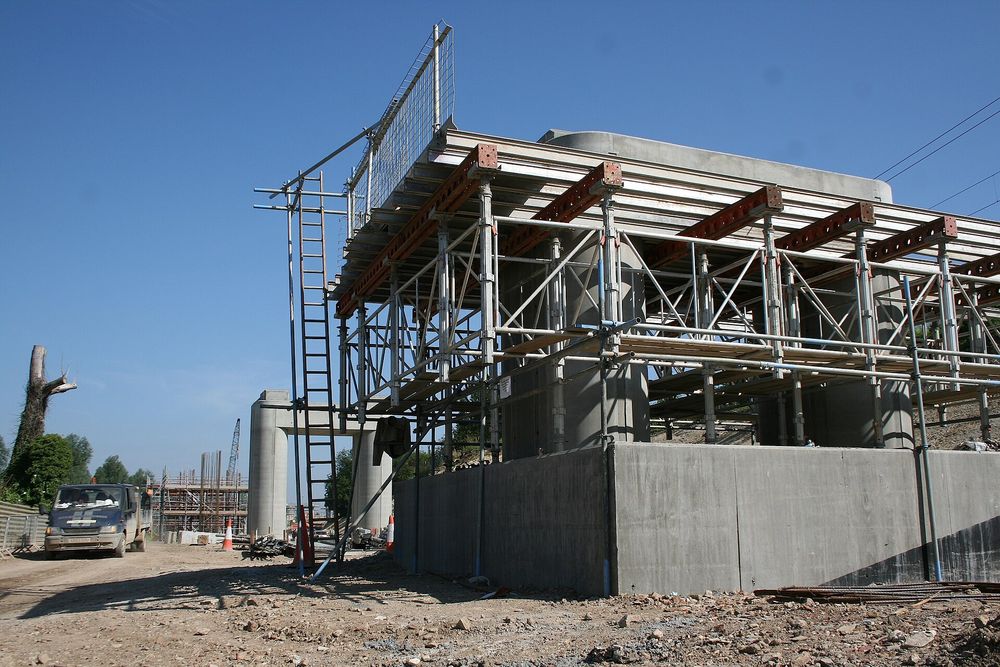
Civils & infrastructure
Excavation support, temporary bridging and heavy propping under BS 5975 control.
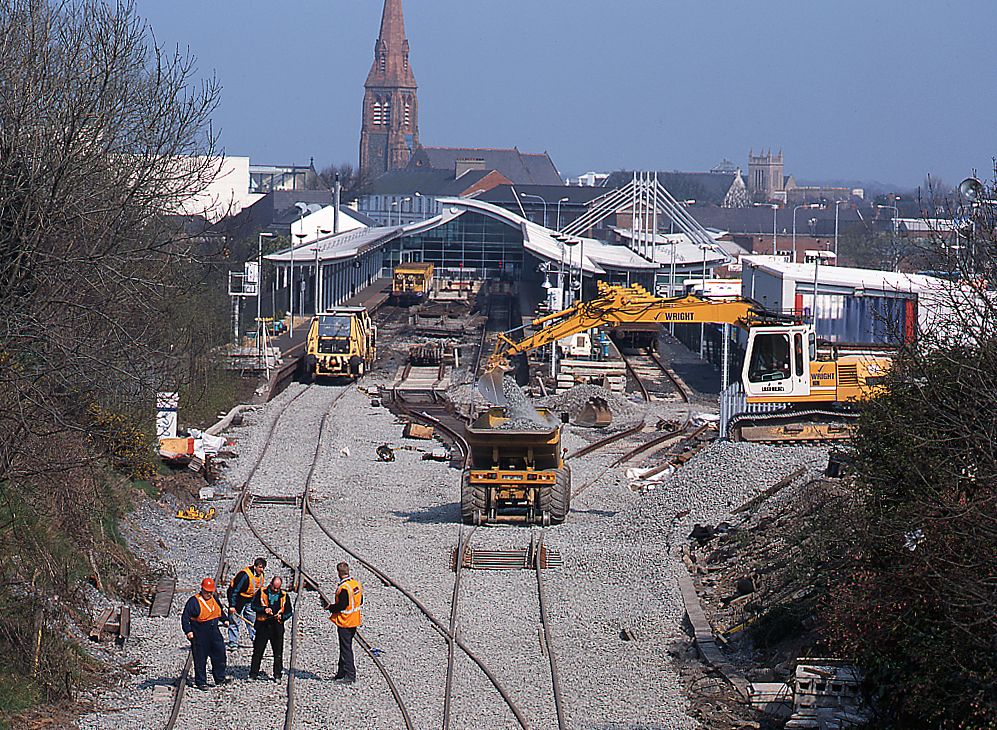
Rail
Possession-bound works where the permit and the inspection have to hold to the hour.
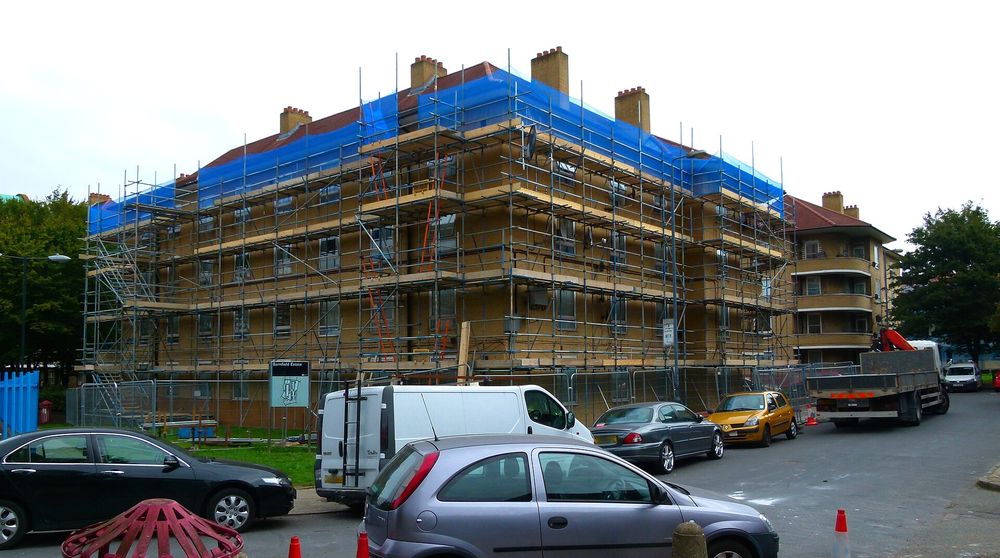
Scaffolding & access
Tag, inspect, hand over. Schedule 7 reports out of the app, not out of a pad.
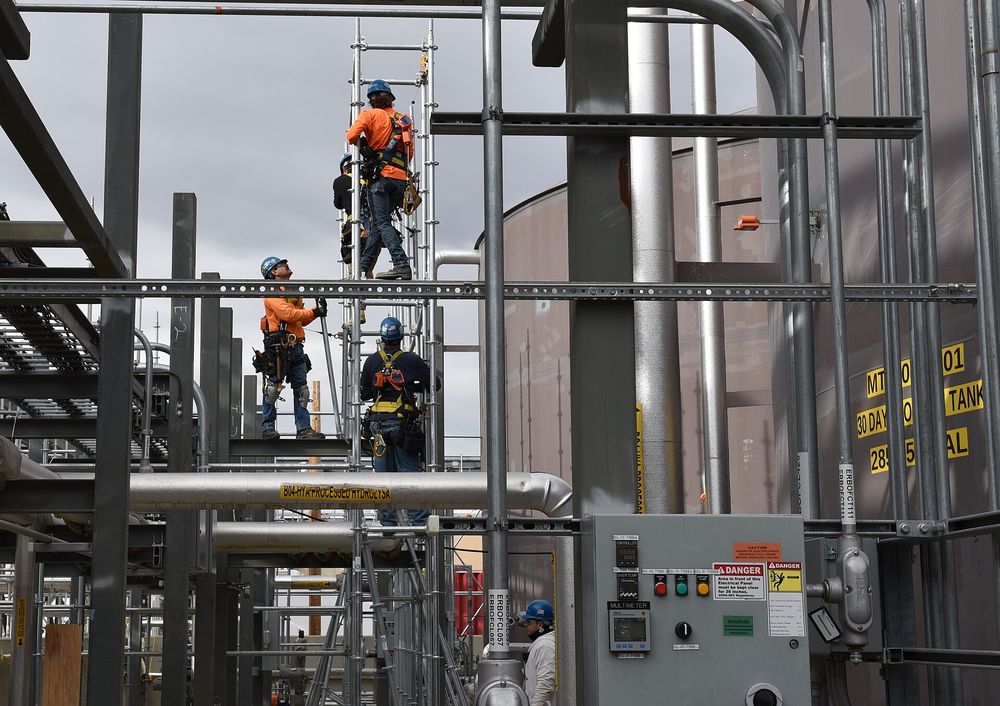
Industrial & energy
Shutdown and turnaround temporary works with contractor access scoped per package.
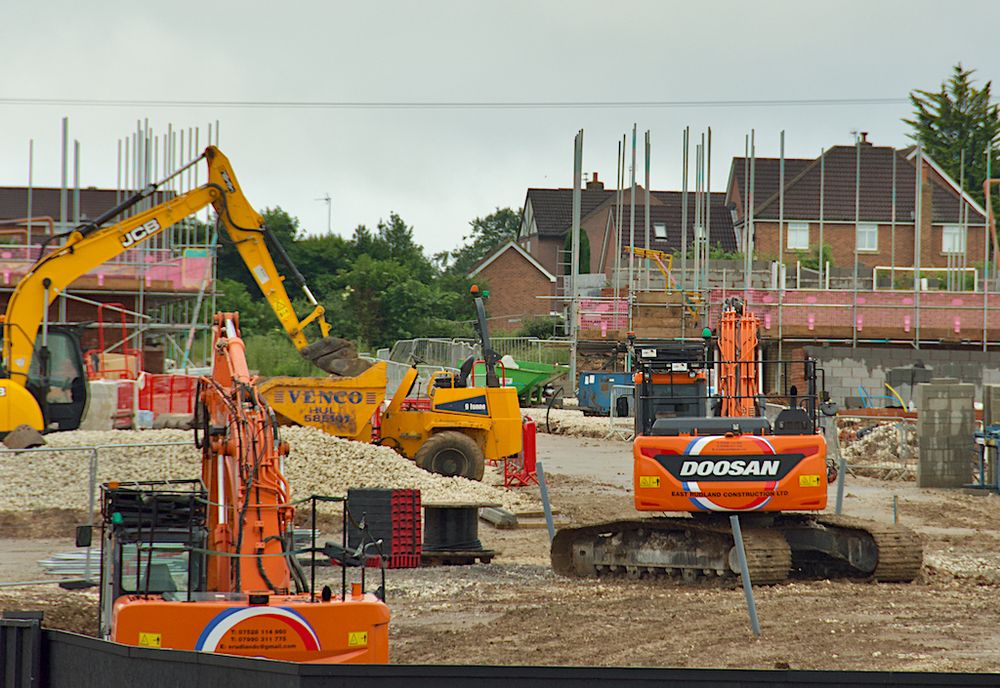
Housebuilding
Repeat designs handled once, with the register carrying every plot.
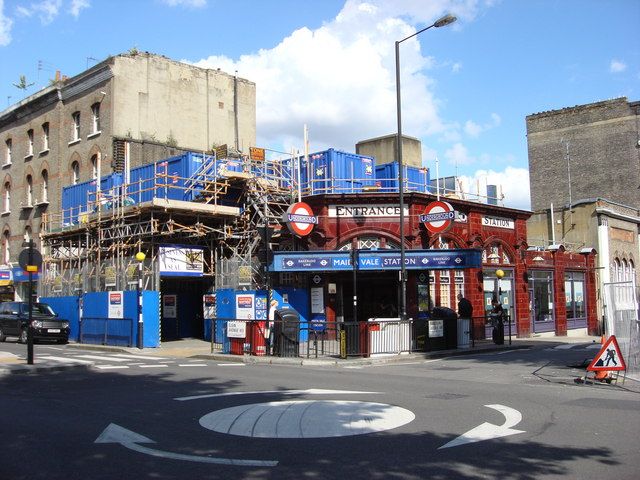
Refurbishment & FM
Temporary works inside occupied buildings, evidenced for the building owner.