The record is in the office. The temporary works are not.
Temporary works management fails on the gap between the design and the thing standing on site. Not because people are careless, but because the brief, the design check, the permit to load and the last inspection all live somewhere other than the work. TempTag puts the whole record on the item itself, from scaffolding to falsework, formwork and excavation support. Nothing takes load until that record says it can.
Thirty minutes on one of your own schemes. Or order tags now if you already know what you need.
Trusted by Leading Businesses


Five numbers we did not round up
These counters come off the platform itself. Every one of them is a record with a name and a timestamp behind it, not a marketing figure somebody rounded up.
What changes when the record keeps itself
Six things that change on site once the paperwork stops living in a folder.
The hold point actually holds
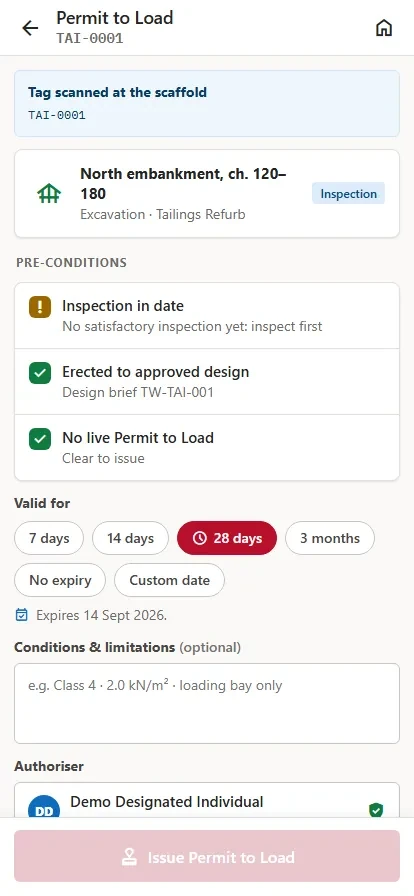
A permit to load is issued against one item by a named, appointed person, or the item stays unloadable. The control stops depending on somebody remembering it.
The audit answer is a scan
Brief, category, independent check, permit, inspection and handover all sit on the same item. When somebody asks how you know, you show them rather than go looking.
Inspections happen where the work is
Scan the tag, work the checklist, photograph the defect, sign. It works with no signal and syncs when there is one, so nothing waits for the site office.
A defect nobody else could see
A critical defect puts the item on do-not-use on the register, on the tag and on the public view in the same moment, so the next person to walk up to it is told before they load it.
Appointments stop expiring quietly
Who is appointed, to what, with what limits and on what evidence, with renewal tracked instead of remembered, and the competence record sitting with the appointment.
Subcontractors work on your register
Bring their organisation onto the project and scope what they can see. Their scaffold requests, inspections and handovers land on your record, not in their inbox.
From design brief to dismantle, on one record
A brief that never reached a designer. A check nobody wrote down. A scaffold loaded on a Friday because the permit was coming Monday. Temporary works fail in the gaps between the stages, so there are no gaps between these seven.
Design brief
The requirement is captured on the project and sent for TW coordinator review.
Design & check
Category set, design issued, independent check and acceptance recorded against the brief.
Register
An accepted brief becomes an inspectable register item and is allocated an NFC tag.
Permit to load
The hold point. Nothing takes load until the record says it can, and only a named appointed person can say so.
Inspect
Scan the tag, work the checklist, photograph defects, confirm who you are. Offline if there is no signal.
Handover
A certificate to the people who will use the works, with the scope and limits on it.
Strike & dismantle
Pre-dismantle inspection, permit to strike or dismantle, tag cleared and released.
The whole temporary works job, not just the tag
Six things temporary works teams currently run on spreadsheets, email chains and a folder nobody can find at audit.
Design briefs
Capture the requirement, coordinator review, acceptance and issued design, with the evidence attached.
See how 02Inspections
Your checklist, captured offline on a phone with photos, against the name of the person who did it, out as a Schedule 7 report.
See how 03Permits
Load, strike and dismantle hold points, issued against one item by a named, appointed person.
See how 04Contractor oversight
Bring subcontractors onto the project, decide what each can see, and keep the paperwork on the job.
See how 05Appointments
Who is appointed, to what, with what limits, on what evidence, and a letter generated on issue.
See how 06The register
What exists, where it is, what state it is in, when it was last inspected and when it is next due.
See howWho runs temporary works on your scheme?
Everyone on this list is working from the same register: the client seeing assurance, the coordinator seeing the whole job, the scaffolder seeing what is due on their section this morning.

Construction
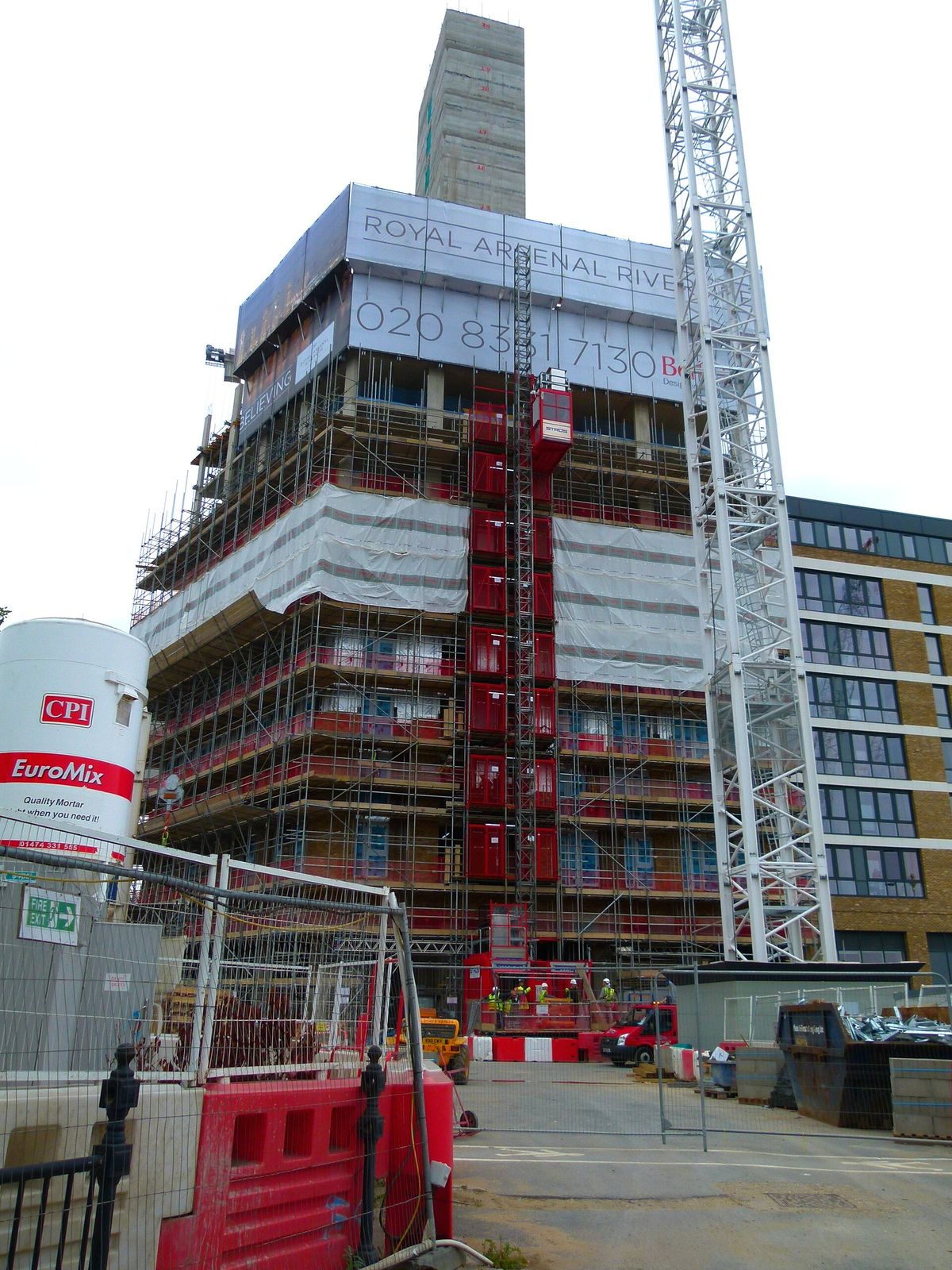
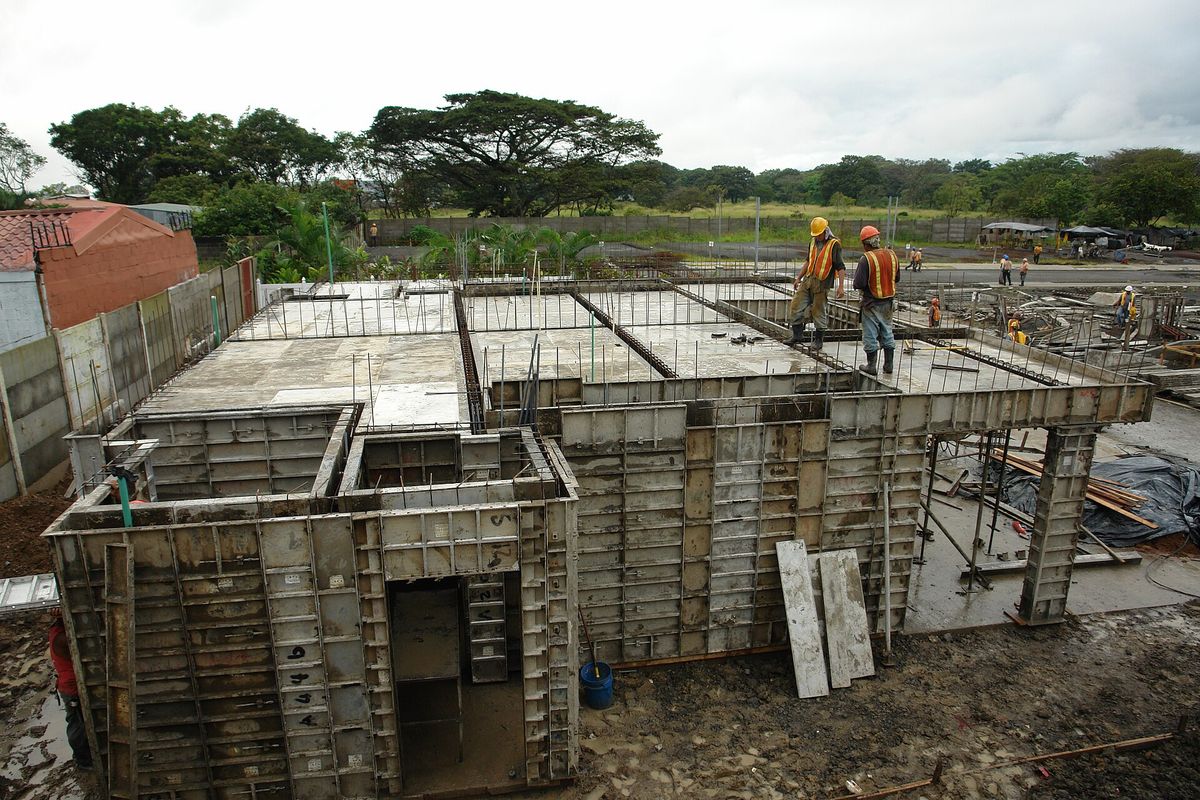
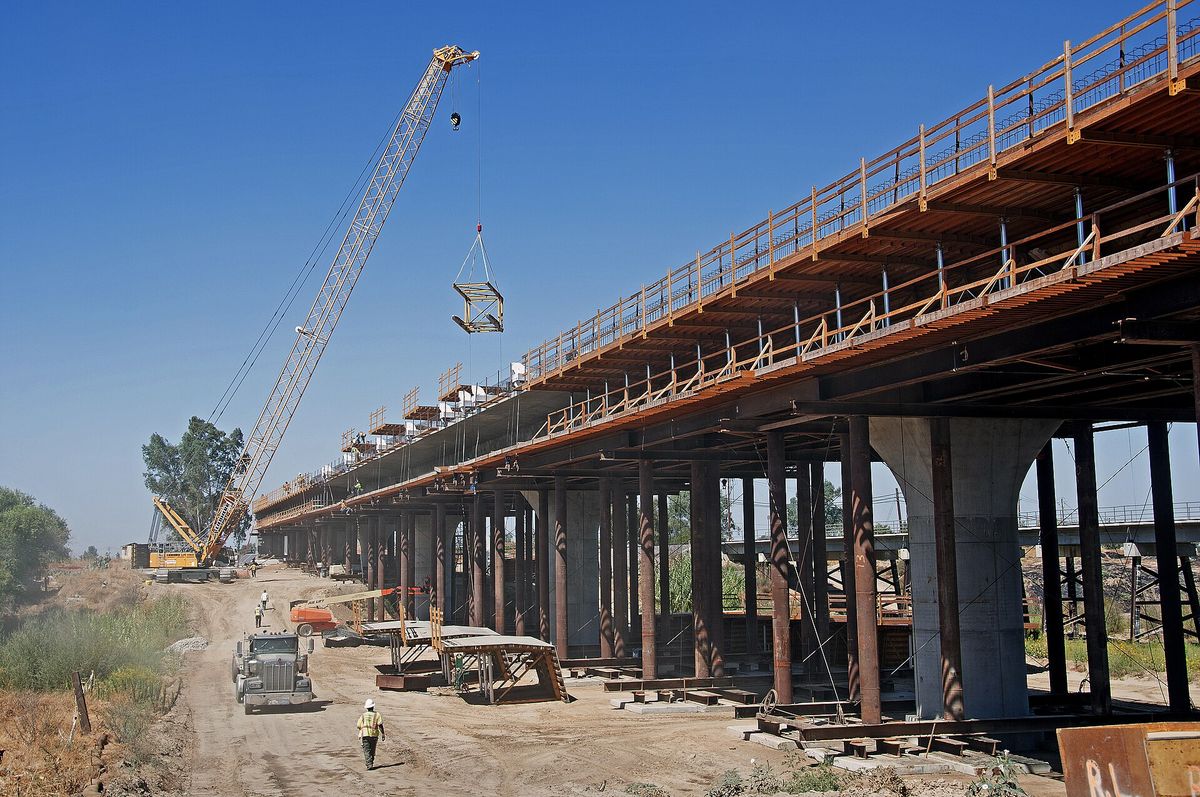
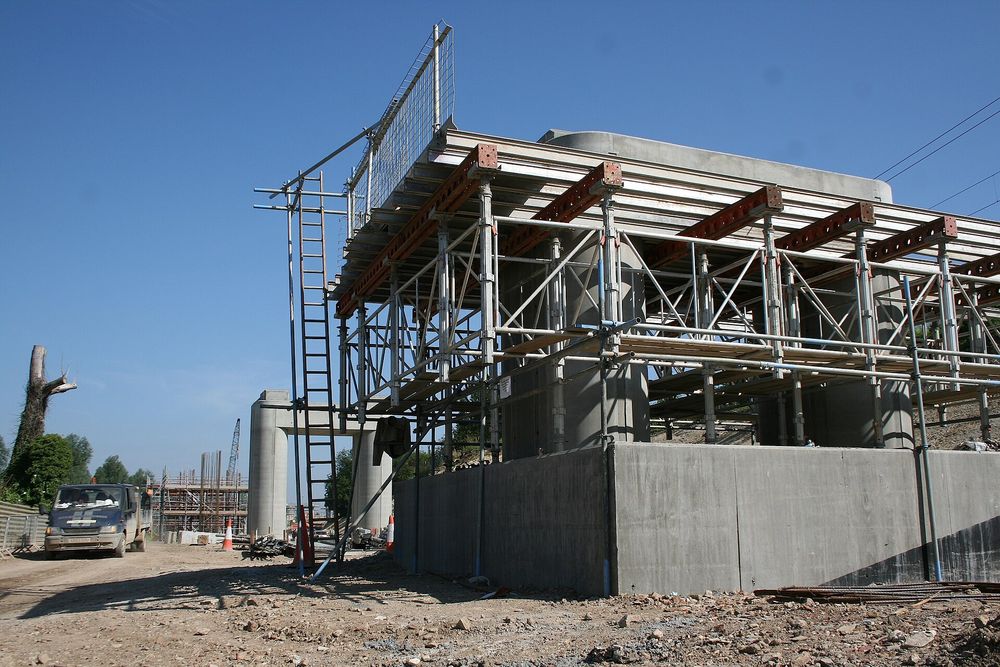
Falsework, propping, formwork and access on one register, with the hold points enforced.
Civils & infrastructure
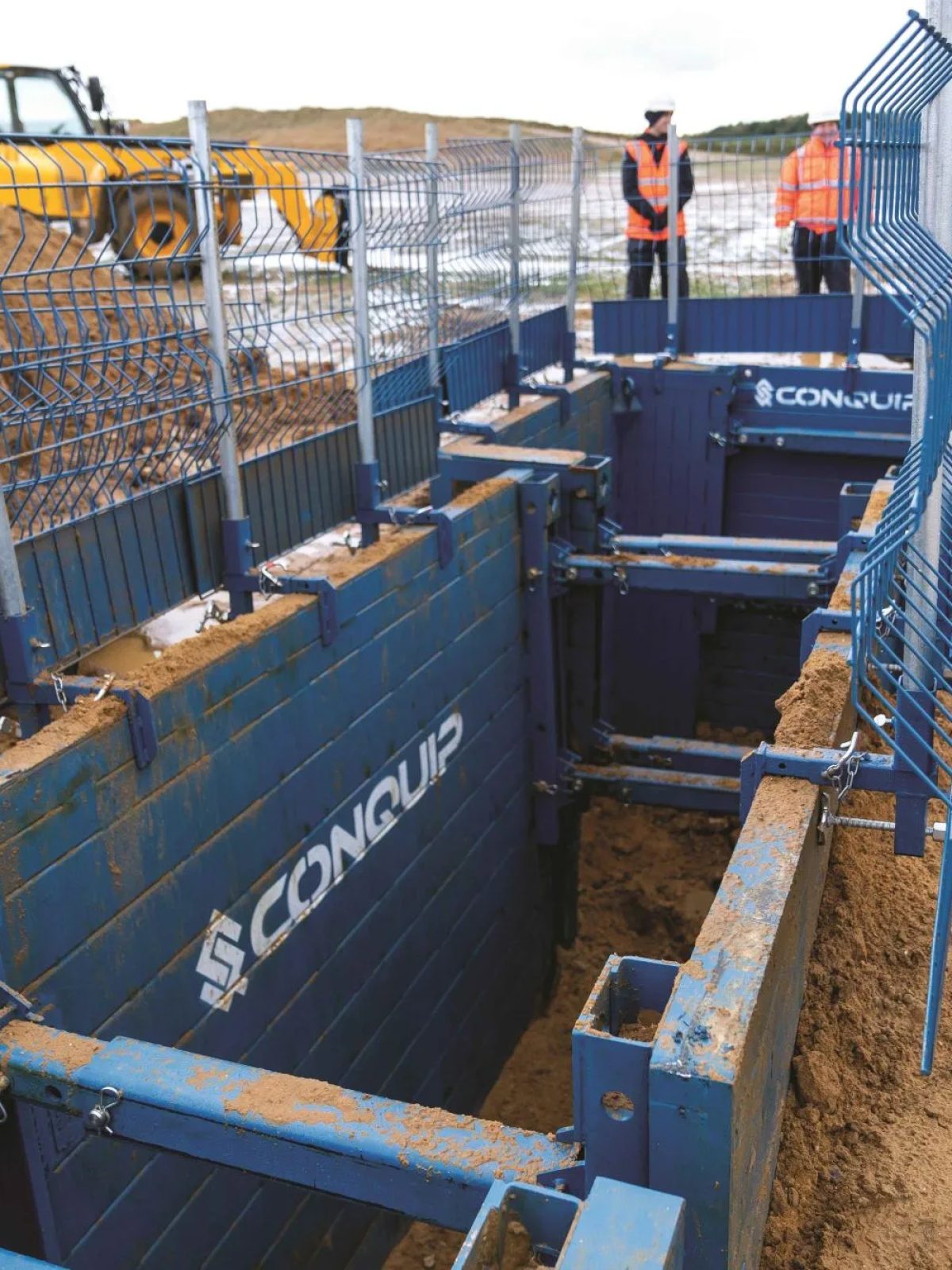
Excavation support, temporary bridging and heavy propping under BS 5975 control.
Rail
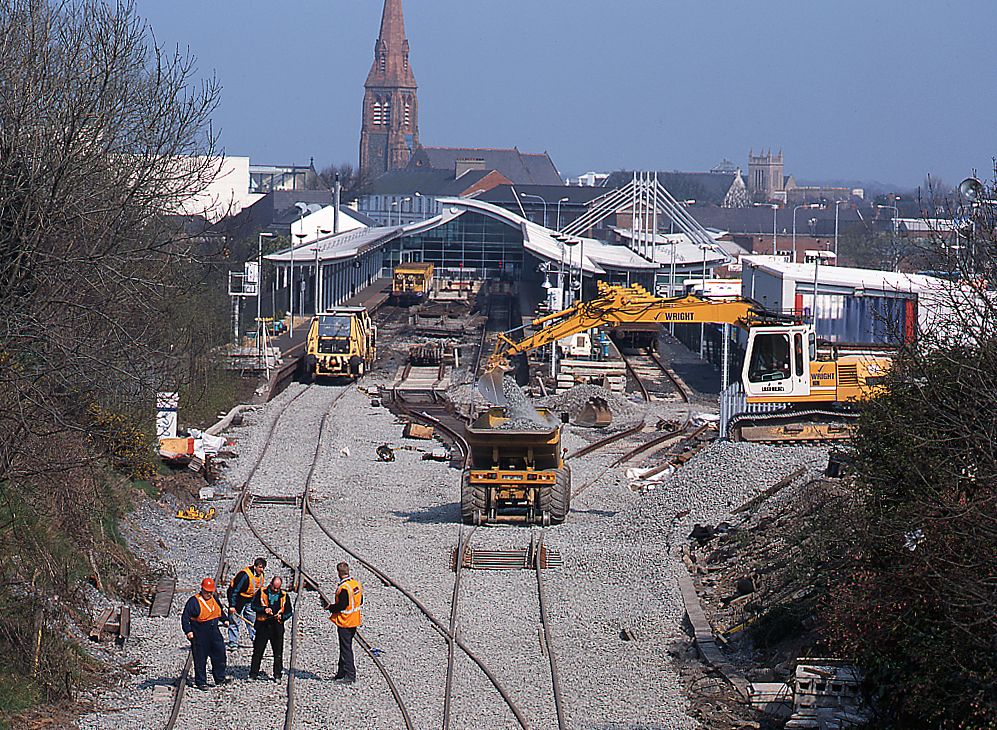
Possession-bound works where the permit and the inspection have to hold to the hour.
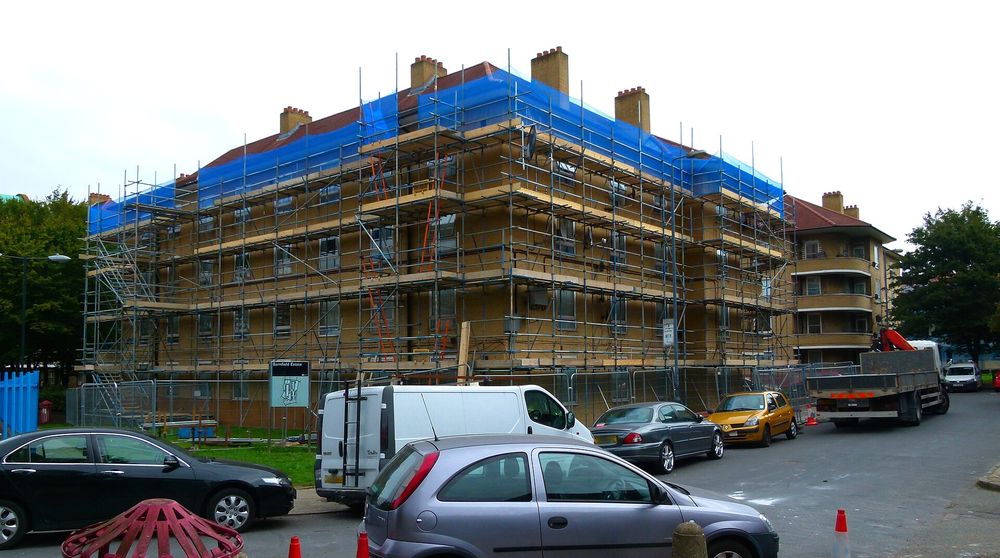
Scaffolding & access
Tag, inspect, hand over. Schedule 7 reports out of the app, not out of a pad.
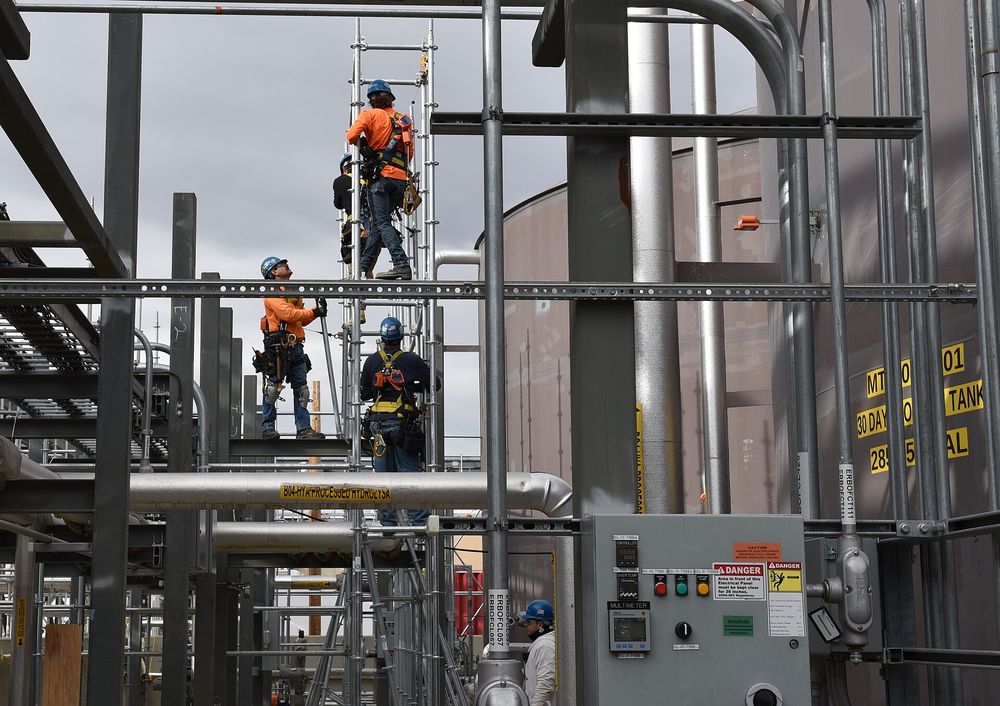
Industrial & energy
Shutdown and turnaround temporary works with contractor access scoped per package.
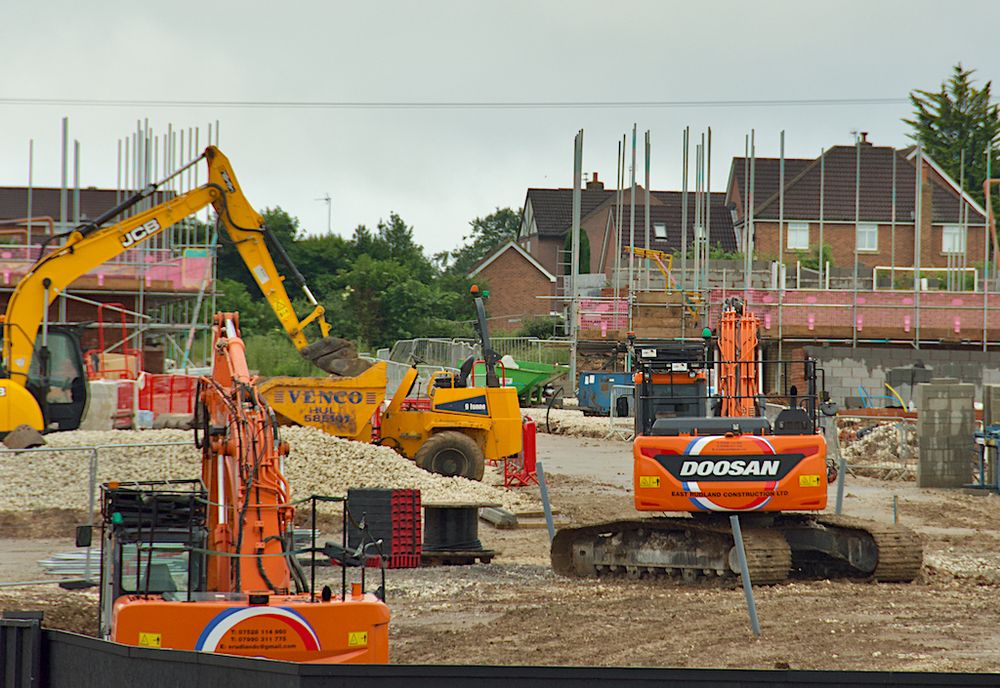
Housebuilding
Repeat designs handled once, with the register carrying every plot.
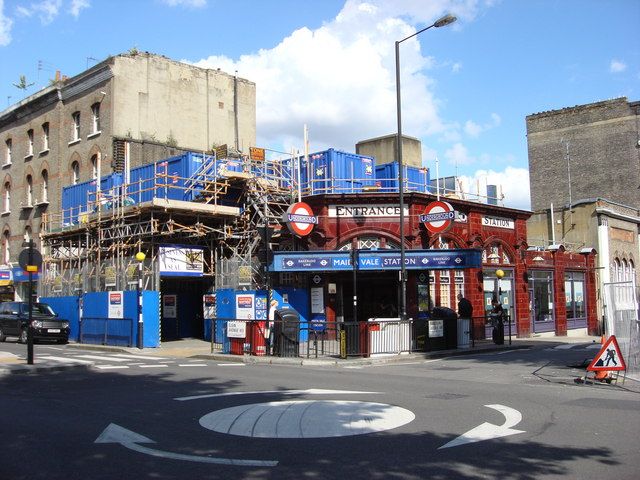
Refurbishment & FM
Temporary works inside occupied buildings, evidenced for the building owner.
See how TempTag fits your sector
Request a demoHow TempTag closes the loop on a scheme
Raise the brief, and the job starts working
A design brief captures the requirement on the project and goes to the TW coordinator for review. Category is set, the design is issued, and the independent check and acceptance are recorded against that same brief. An accepted brief becomes an inspectable register item and is allocated a tag. Nothing gets inspected that was never briefed.
Design briefs and design check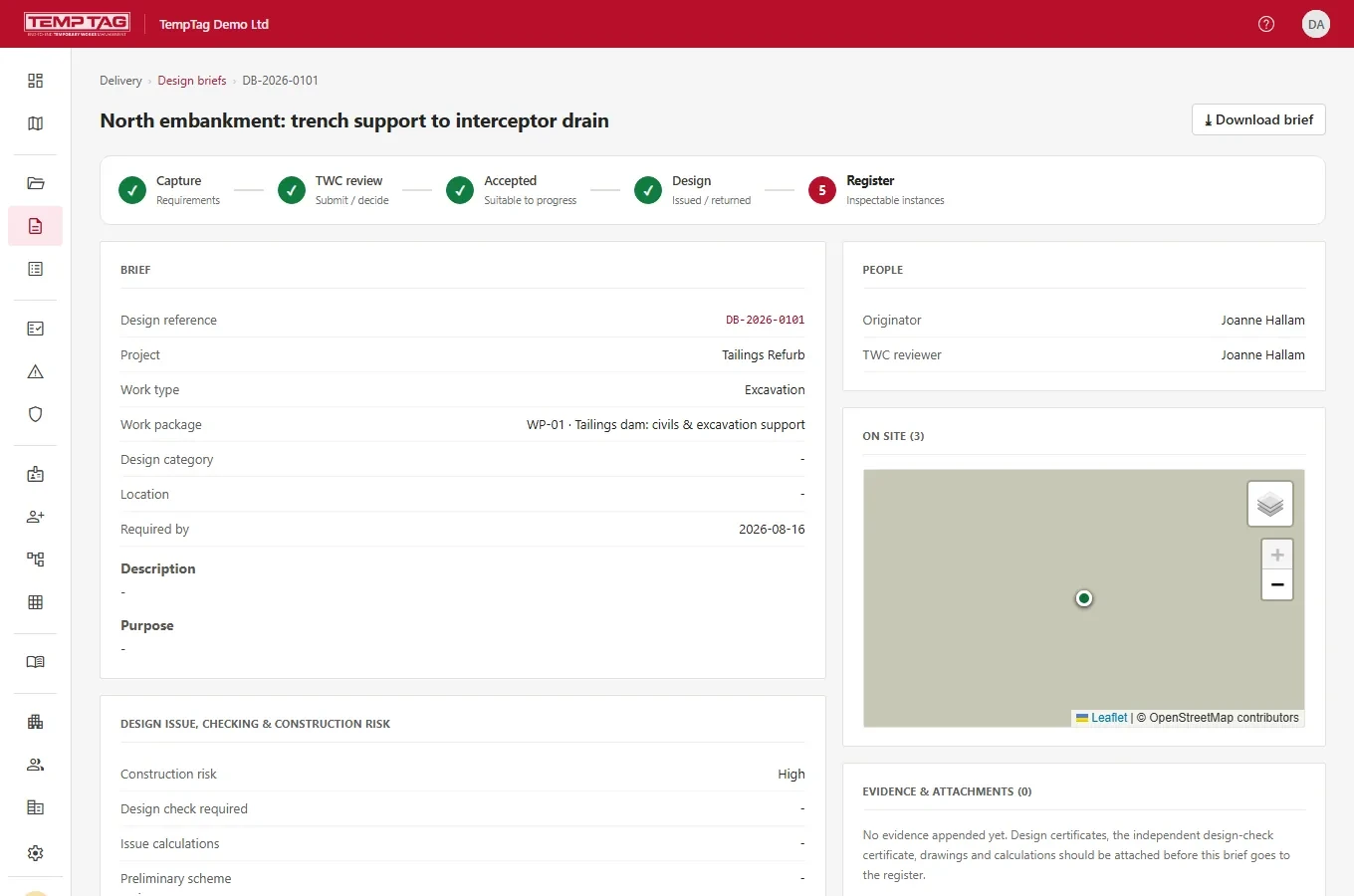
Scan the tag, work the checklist, prove you were there
The inspection is taken against the tag on the item itself, by a named person, with photographs. A critical defect raises the action and puts the item on do-not-use for everyone. No signal in a basement or behind sheeting? It queues and syncs when you are back in coverage, and comes out as a Schedule 7 report.
Inspections and defects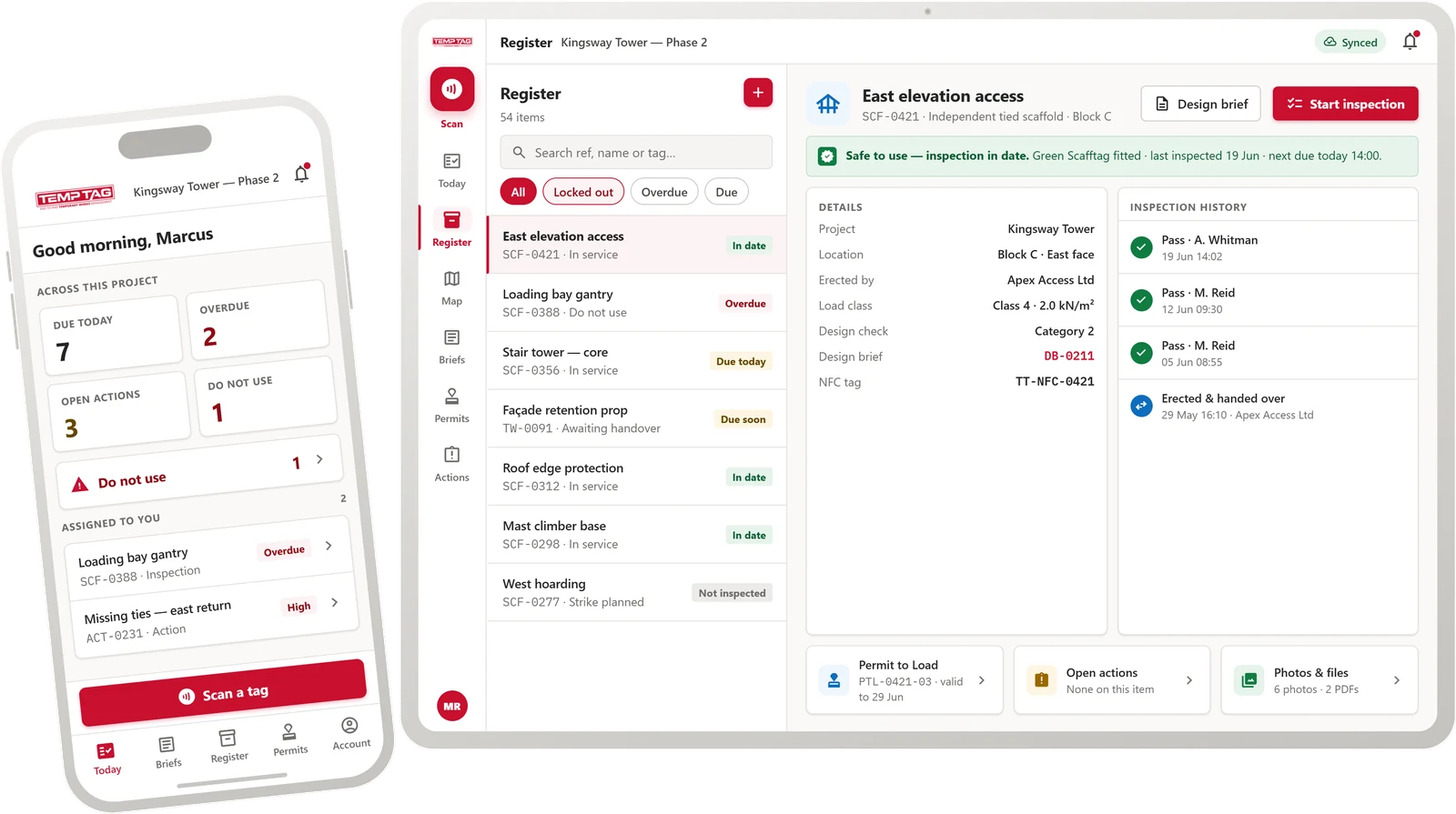
Hold points that actually hold
Permit to load is the hold point: nothing takes load until it is issued against that item, by someone appointed to issue it, with the answers recorded and attributed. Strike and dismantle work the same way in reverse, after a pre-dismantle inspection. Permits are tracked and revocable, and an expired permit does not quietly stay valid.
Permits and hold points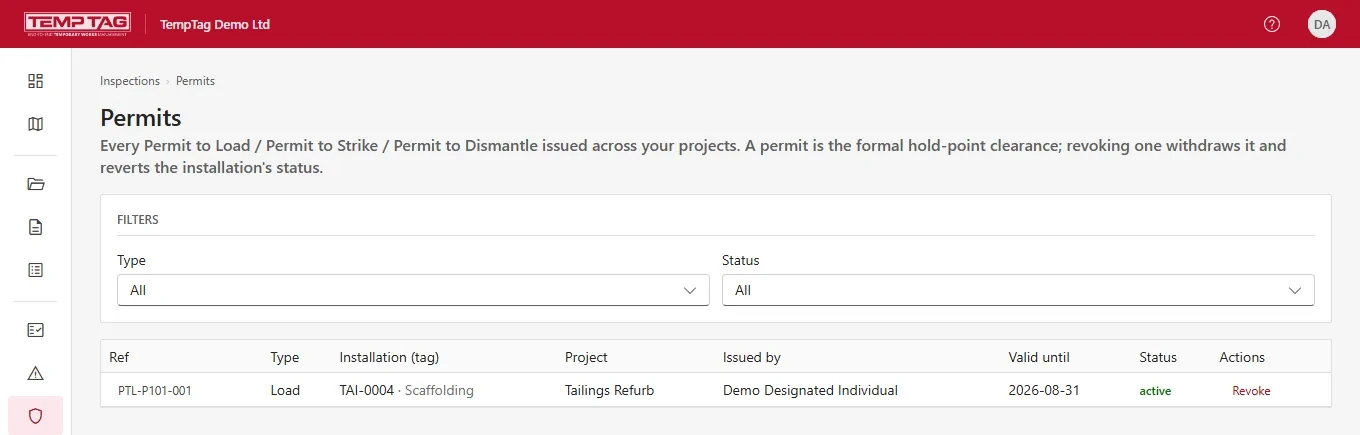
Answer the question on the call, not the week after
The register, the permits, the appointments and the evidence behind them are one live record, attributed and timestamped. When the client, the principal contractor or the HSE inspector asks where an item stands, the answer is on screen, and anyone standing next to the scaffold can scan the tag and see its current status without an account.
Reporting and the register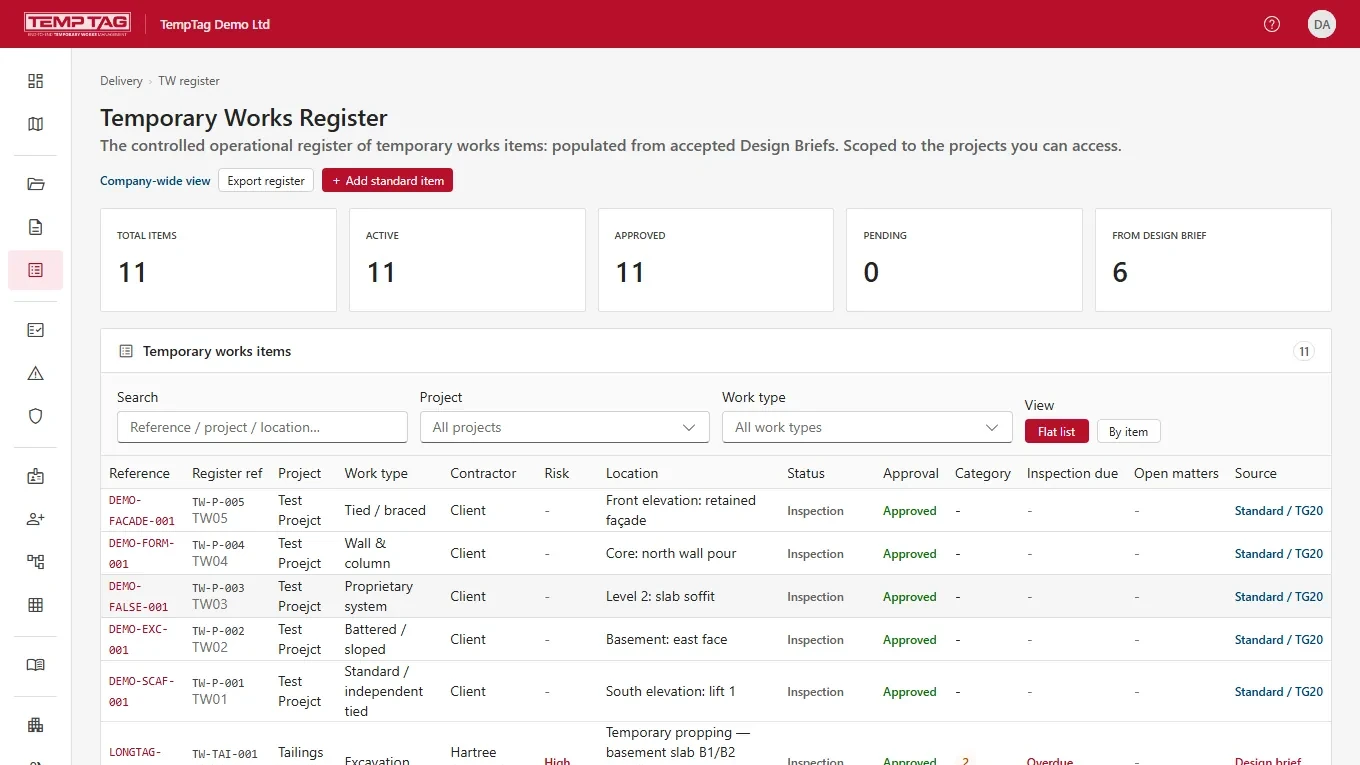
Every check carries the standard it was worked to
Intervals and checklists are not typed in from memory. Each item carries the regime it is inspected under, and every record it produces says which one applied, so a report defends itself without anybody reconstructing the reasoning afterwards.
Coordinator, supervisor and design brief roles as the standard sets them.
Compliant scaffold guidance and the design-check trigger.
Working practice referenced by the inspection checklists.
Performance requirements for access and working scaffolds.
Performance requirements and general design.
The statutory report the inspection produces.
The duty framework the appointment records sit inside.
Competence records held against the person doing the work.
From scan to signed-off in 90 seconds
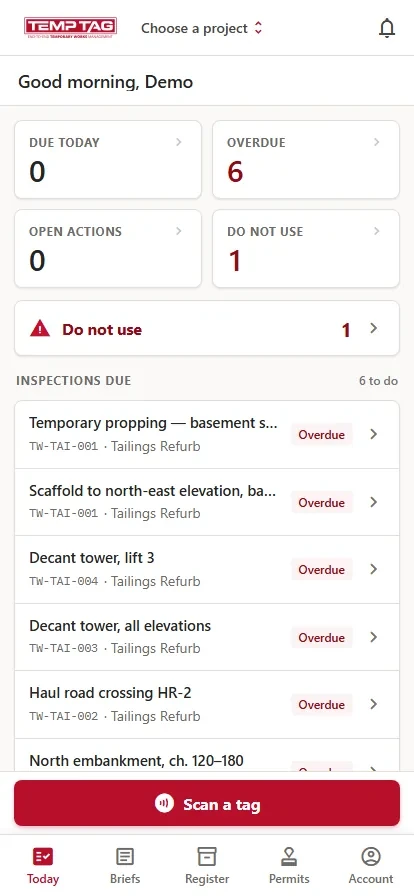
Open the app and it opens on the work: what is due today, what is overdue, what is on do-not-use, and every inspection waiting on you. Scan the tag, answer the checklist, photograph defects, sign.
- 01 It opens on what needs doing: due today, overdue, open actions and do-not-use, before you have tapped anything.
- 02 Offline-first. Full inspections with zero bars, deep in a basement or behind sheeting.
- 03 Defect lockout. A critical defect puts the item on do-not-use for everyone, as soon as the phone has signal.
- 04 The whole record in your hand. Browse the register, raise a brief, issue a permit, close an action.
- 05 Runs on the phones your teams already carry. No scanners to buy.
Two editions, one platform
Everything in the standard edition, plus the controls a large organisation needs. Pricing is on application: tell us the size of your estate and we will quote against it.
| Capability | SaaS | Enterprise |
|---|---|---|
| Every edition | ||
| The temporary works record, end to end Design brief, category and independent check, register, permits, inspections, actions and appointments | ✓ | ✓ |
| Offline-first mobile app Android; iOS in beta | ✓ | ✓ |
| Checklists you build yourself Full builder and question library, not a fixed set you have to live with | ✓ | ✓ |
| Approval workflows you set Who approves what, per work type | ✓ | ✓ |
| Subcontractor and client access Their organisations on the project, scoped to what each should see | ✓ | ✓ |
| Register exports and Schedule 7 reports On every plan, not an add-on | ✓ | ✓ |
| Audit trail Every action attributed and timestamped | ✓ | ✓ |
| Users Seats are agreed in your order form and shown against usage in your console | ✓ | ✓ |
| Where the editions differ | ||
| Support | Email, next business day | Named contact and an SLA |
| Enterprise only | ||
| White-label branding Your logo and brand colour through the console and the PDFs | Not included | ✓ |
| On the roadmap, not shipped | ||
| Single sign-on Entra ID, Okta or SAML | Not included | Planned |
| Scheduled reporting Reports built to your shape and sent on a timetable | Not included | Planned |
Pricing is on application. Tags are sold separately: order here
A tool for the people who carry the duty, not a substitute for them
TempTag helps a Temporary Works Coordinator, a Temporary Works Supervisor and a Principal Contractor evidence their duties under CDM 2015 and work to BS 5975. It is not a dutyholder. It does not design temporary works, it does not carry out the independent design check, it does not certify anything, and it makes no determination that a duty has been met. Those remain with the competent people appointed to them.